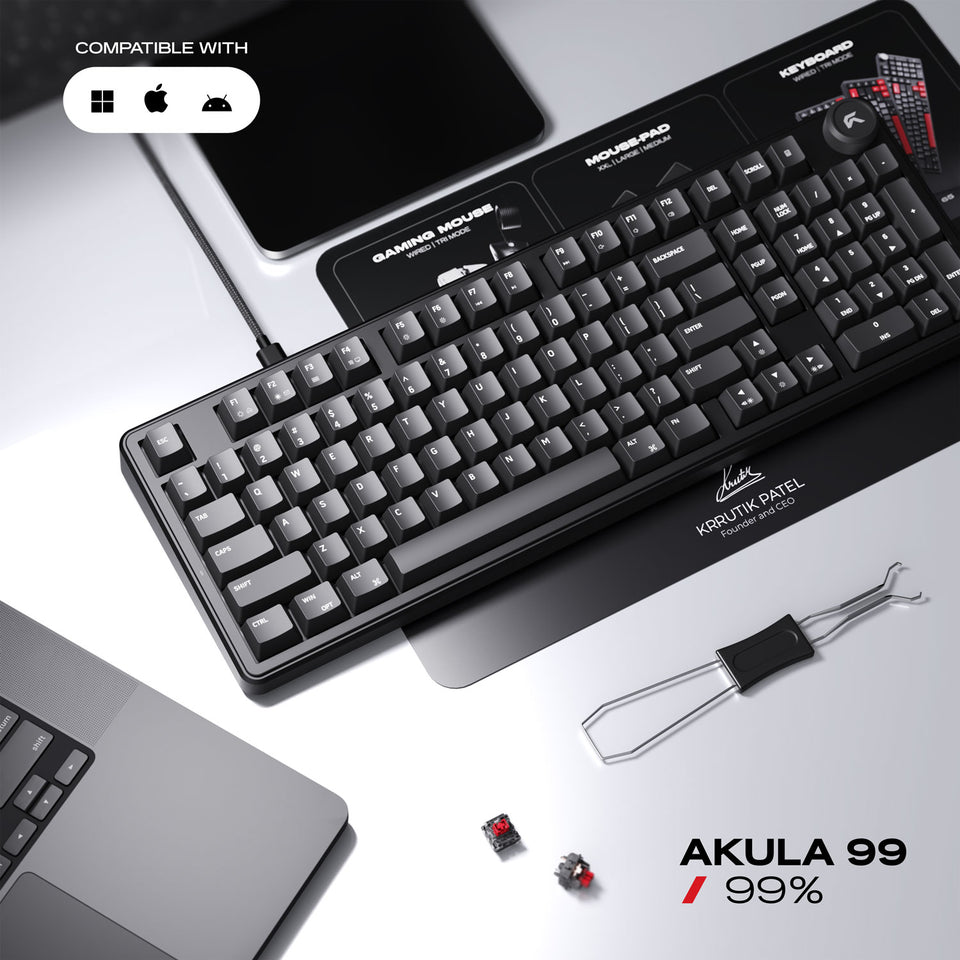
Akula 99 Lite | Compact Full-Size Wired Gaming Keyboard

  
$159.99 CAD $79.99 CAD SAVE $80.00 CAD
Specs & Details

General Specifications

  • Layout: 99% + Volume Knob (99 keys + knob)
  • Lighting: RGB
  • Connectivity: Wired
  • Anti-ghosting: N-Key Rollover

Switches & Keycaps

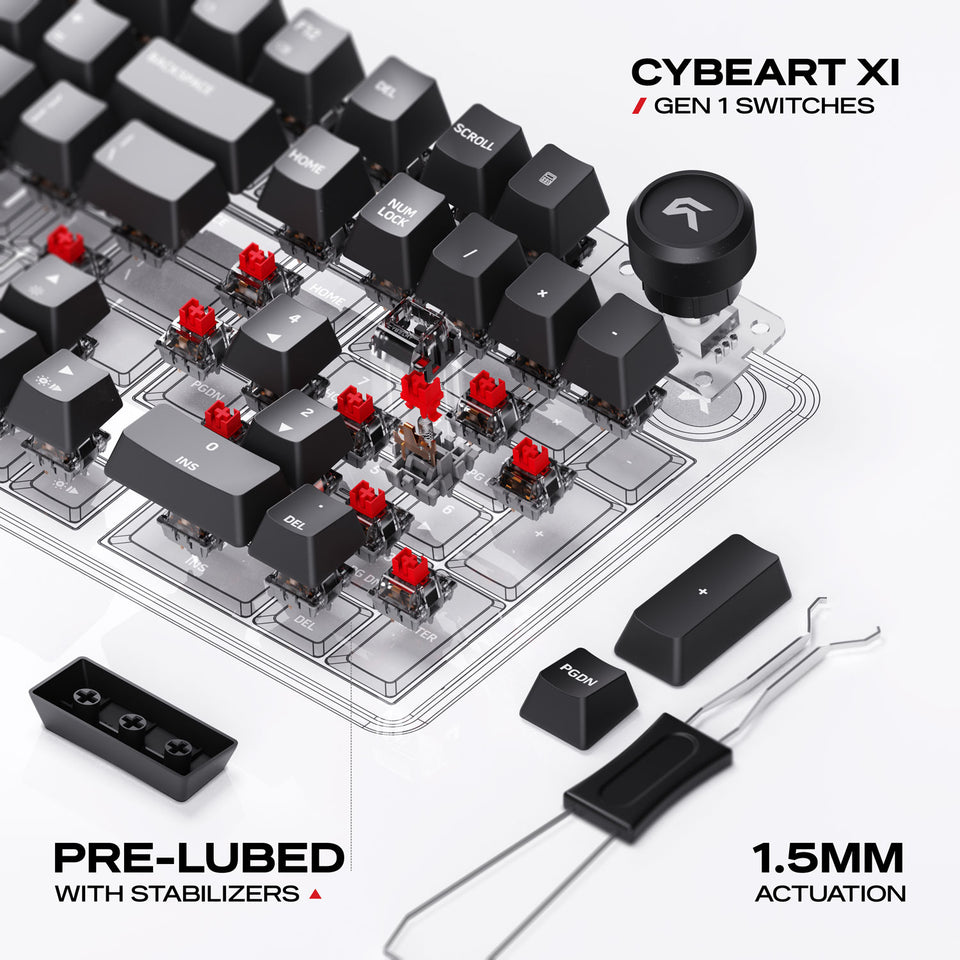
  • Switch type: Cybeart MK XI Gen 1 - Linear Mechanical Switches
  • Actuation: 1.5 mm (Total travel: 3.6 mm)
  • Switch life: 60 million keystrokes
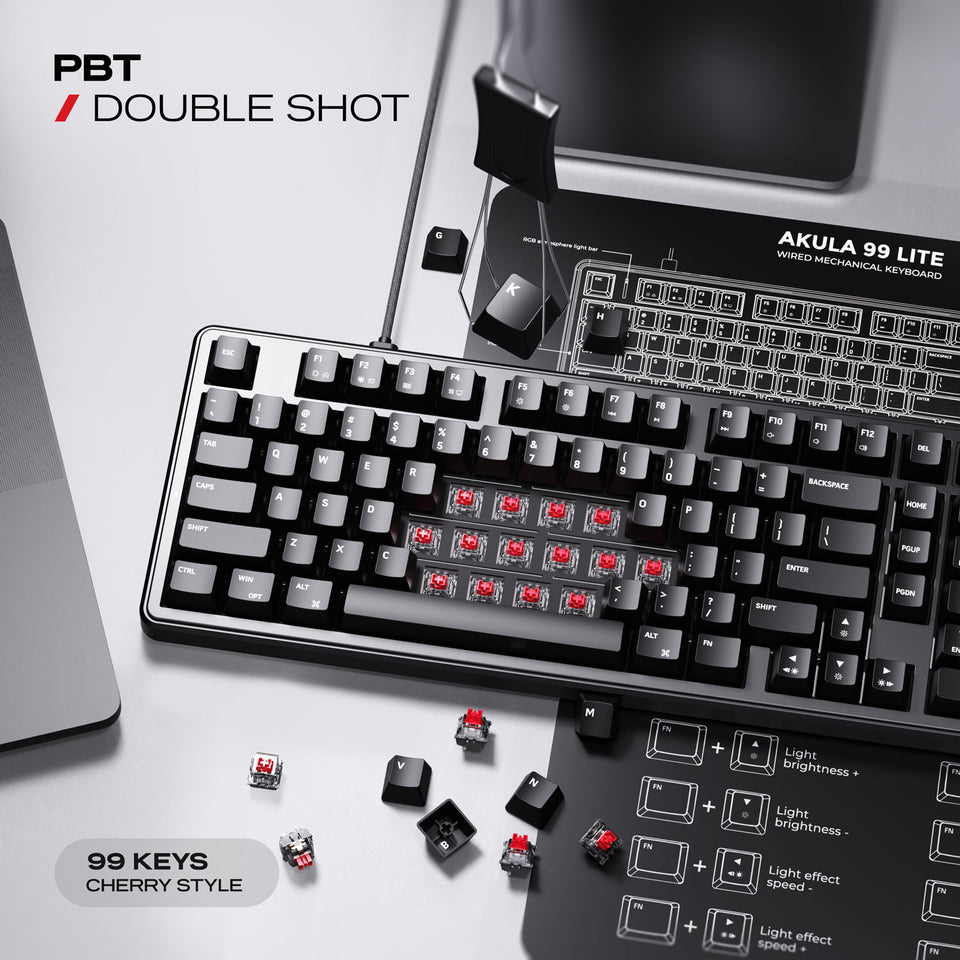
  • Keycaps: Cherry-style ABS

Performance

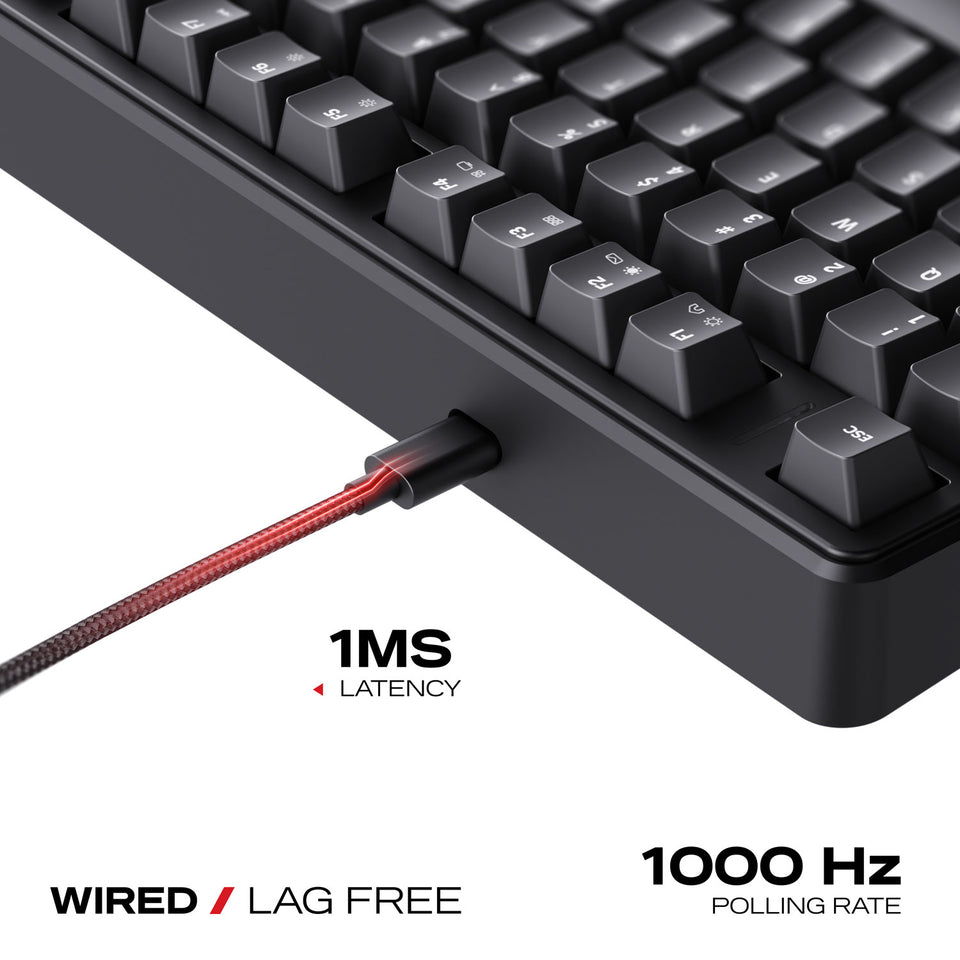
  • Polling / Latency: 1000 Hz / 1 ms

Build

  • Frame/Bezel: ABS bezel
  • Mounting: 5-layer gasket design (includes sound-dampening layer)
  • Hot-swap: Yes

Dimensions & Weight

  • Size: 406.76 × 139.31 × 43.28 mm
  • Weight: 1039 g (without cable) / 1084 g (with cable)
  • Cable: 1.6 m Cable

Compatibility

  • Windows 7/10/11, macOS, Linux
Support

System Requirements

  • Compatible Systems : Windows | Mac | Linux | Android
  • Compatible Devices : PC | Laptop

Software
Coming Soon!

Warranty Policy

  • Warranty : 2 Years

Color: Black

Black
CARBON NEUTRAL SHIPPING - Order in the next [totalHours] hours %M minutes to get it between and
SHARE ON

Premium 2-Year Warranty

BIS, FCC, TDRA, CE Certified

24/7 Priority Customer Support

Secure Payment

Explore Features

Experience world-class comfort for extended work or gaming, engineered through advanced R&D.

Form Factor

Form Factor

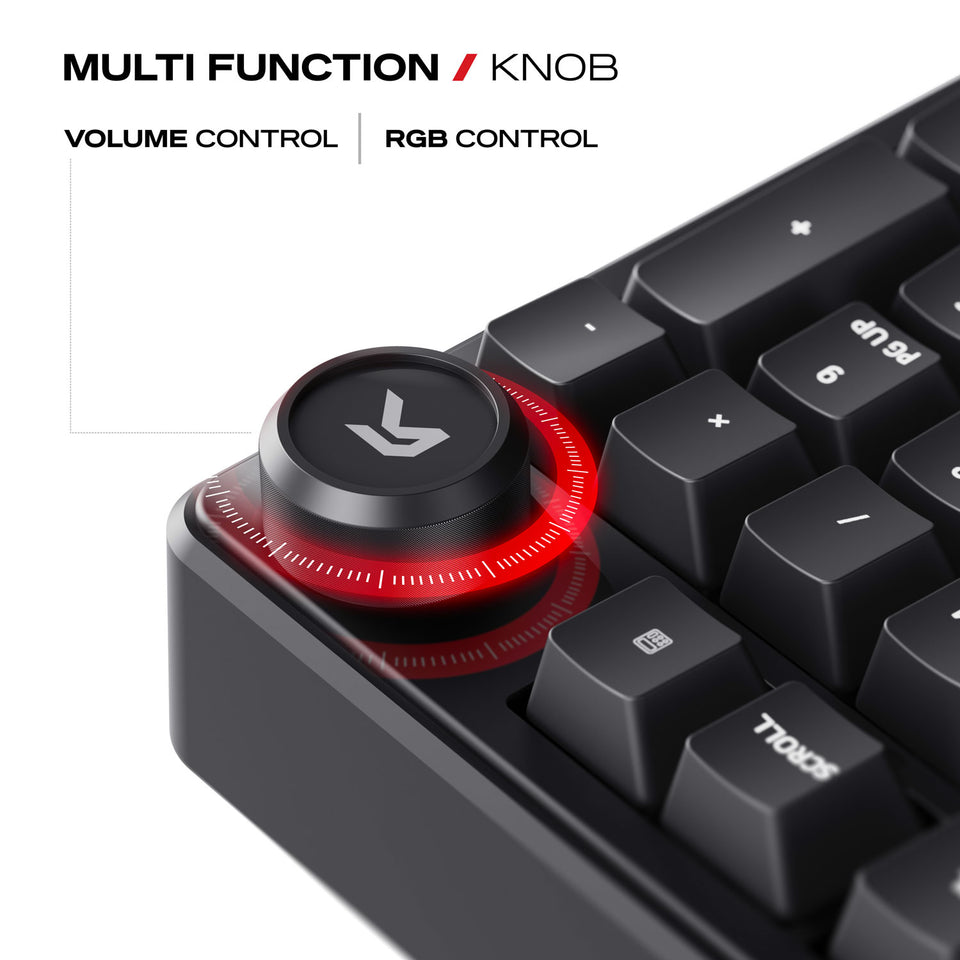
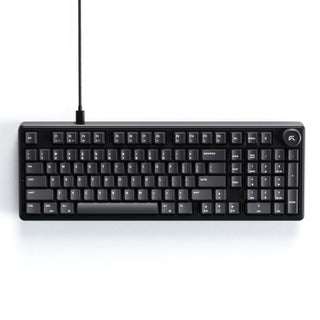
Experience full-size functionality in a refined 99% layout featuring 99 keys and a muticontrol knob for precise multimedia control. This design offers the perfect blend of productivity and convenience, delivering complete functionality while maintaining a sleek, modern footprint.
Switches

Switches

Experience buttery-smooth precision with Cybeart MK XI Gen 1 Linear Switches, factory-pre-lubed for ultra-consistent keystrokes and minimal friction. With a 1.5 mm actuation point, every press registers instantly for lightning-fast response, while the 60 million keystroke lifespan ensures long-lasting durability and reliable performance game after game.

Keycaps

Keycaps

Crafted from high-quality ABS, these Cherry-style keycaps offer a smooth, comfortable feel with dependable durability for everyday use. Designed to maintain clear, sharp legends, they deliver a clean, professional look while providing consistent performance through long work hours and intense gaming sessions.

Special Features

Special Features

Engineered for peak performance, this keyboard combines mechanical precision with full hot-swap capability, allowing effortless switch customization without soldering. With NKRO (N-Key Rollover) and anti-ghosting technology, every keystroke is accurately registered, even during the most intense gaming sessions ensuring total reliability and control.

Addressable RGB

Addressable RGB

Illuminate your setup with vivid RGB lighting that delivers a smooth, uniform glow across the keyboard. Preset color patterns and flowing effects add a clean, energetic look, bringing balanced brightness and classic color transitions without unnecessary complexity.

Connectivity

Connectivity

Enjoy seamless multi-OS compatibility with quick switching between Windows, macOS, and Android. The wired plug-and-play design delivers stable, responsive performance for everyday work and gaming.

What's in the Box

Everything you need to get started

Akula 99 Lite Keyboard

Micro Fiber Cloth

Keycap Puller

Extra Switches

Extra Keycaps

User Manual

Find Your Perfect Gaming Keyboard

Find the perfect balance of performance, form factor, and customization across our keyboard lineup

Nighthawk 75 Lite

Nighthawk 75 Lite

Akula 99 Lite

Akula 99 Lite

Akula 65 Lite

Akula 65 Lite

Form Factor
75% + Multimedia Knob
99% + Multimedia Knob
65%
Keys
81 Keys
99 Keys
67 Keys
Connection
WIRED
WIRED
WIRED
Dimensions
336.34 x 139.31 x 43.81mm
406.76 x 146.78 x 43.28mm
325.09(L)× 115.62(W)× 43.81(H)mm
Weight
832 g (w/o cable) 877 g (w/ cable)
1039 g (w/o cable) 1084 g (w/ cable)
634 g (w/o cable) 679 g (w/ cable)
Frame Material
ABS Bezel
ABS Bezel
ABS Bezel
Compatibility
Windows 7/10/11, MacOS, Linux
Special Features
Anti ghosting N-key rollover

Why Akula 99 Lite Lite Stands Apart

Engineered for precision, versatility, and immersive performance — built for gamers and creators who demand more from every keystroke.

Feature

Standard Keyboard

Best Choice

Akula 99 Lite Gaming Keyboard

Connectivity
Wired only, basic USB
Wired — 1.6 m PVC
Form Factor
Full-size — large footprint, no extras
99% layout + volume knob — 99 keys, numpad included
Switches
Basic membrane or fixed mechanical switches
Cybeart MK XI Gen 1 — hot-swappable, 60M click lifecycle
Keycaps
Single-shot ABS — legends fade over time
Cherry style ABS keycaps
Sound & Feel
No dampening — hollow, rattly typing feel
5-layer gasket mount + 1 sound dampening layer
RGB
No RGB or single-color only
Rainbow RGB backlight
Polling Rate
125 Hz
1,000 Hz / 1ms latency

Built for Your Desk Life

For a chance to be featured, mention @cybe_art and #cybeartsetup #cybeart on Instagram.

Frequently Asked Questions

We've covered the questions that matter most.

Cybeart offers a 30-day return window from the date of delivery for unused products in their original packaging. If you receive a defective or damaged item, you can request a replacement or full refund after our team verifies the issue. Refunds are processed within 5–7 business days once the returned item is received and inspected.

Yes, you can register your Cybeart product on our official website’s registration page using your serial number and purchase details. Registered users receive priority support, firmware updates, and notifications for extended warranty offers when available.

All Cybeart peripherals come with a standard 1-year limited warranty, which covers manufacturing defects and functional issues under normal usage. Some premium models may include an extended 2-year warranty check your product box or our website for specific details.

Yes. Cybeart peripherals are fully compatible with Windows and macOS systems. Most products work plug-and-play, while customization features such as RGB control, DPI tuning, and macros are available through our companion software on Windows. macOS users can still access essential functionality and lighting presets.

To update your Cybeart device firmware, open the Cybeart Control Software on your computer, navigate to the Device Settings tab, and click “Check for Updates.” Follow the on-screen instructions while keeping the device connected. Do not unplug it during the process to avoid update interruptions.

Note: Firmware updates are not applicable to the Pocket and Arcus mice.

Yes. The mouse is fully supported by Cybeart Node, which lets you adjust DPI levels, remap buttons, create macros, tweak performance settings, and save multiple profiles to onboard memory.